
You sit down at a Concept2 rower before a CrossFit workout and find the side lever pushed to 10. It looks like the hardest level, so moving it down can feel like making the workout easier. But that numbered lever chooses how the machine feels, while your strokes determine the work.
Concept2 recommends starting at 3–5, then experimenting as your technique develops. The explanation sits inside the fan housing: the damper changes airflow. It does not assign a fixed workout intensity.
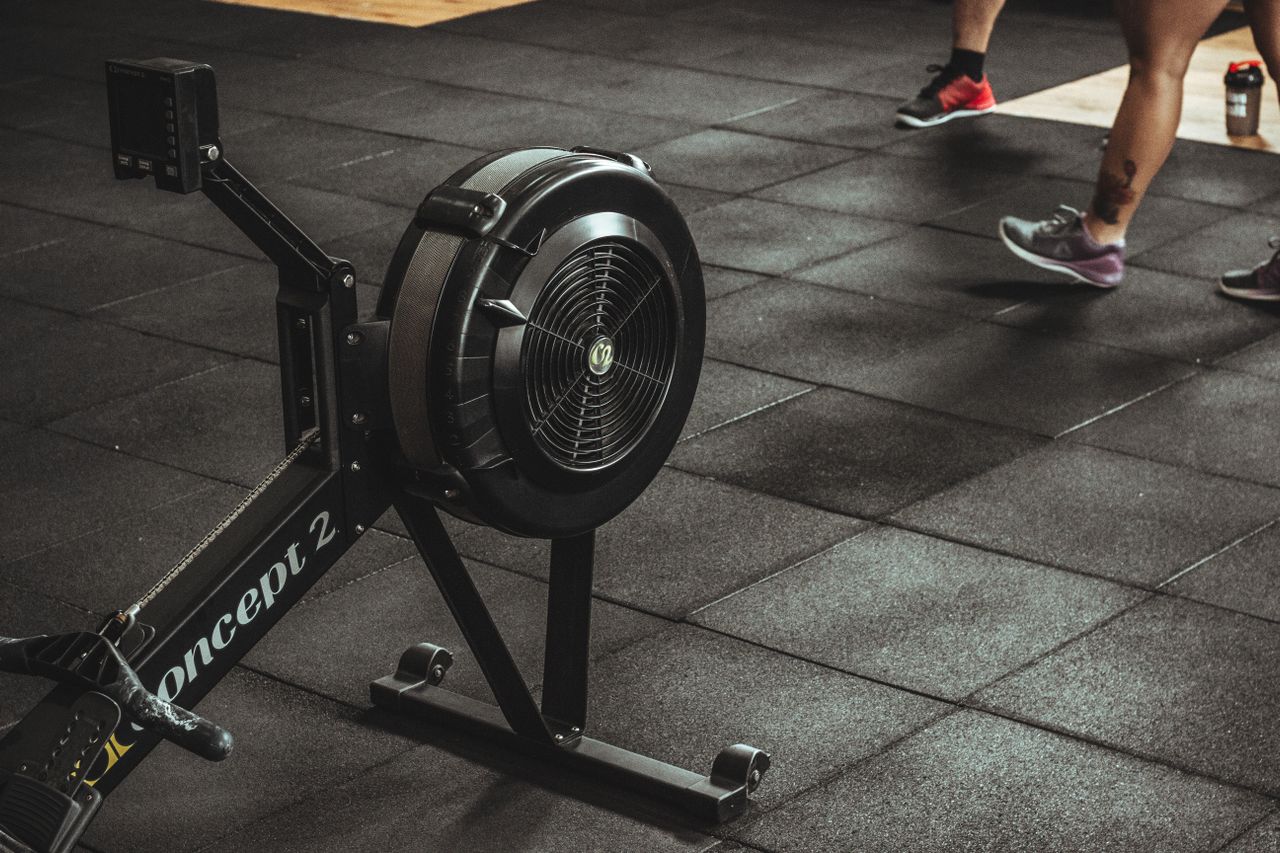
Table of contents
Why a heavier pull tells only part of the story
In a 2007 CrossFit Journal article, Concept2 co-founder Peter Dreissigacker explains why the barbell analogy breaks down. Raising the lever does not add a fixed load in the way that sliding another plate onto a bar does.
Opening the damper admits more air to the flywheel. At a given wheel speed, that means more resistance, and the wheel slows more between strokes. The next drive can therefore feel heavier. Closing it produces a lighter feel, but you can still work hard by accelerating the wheel.
Dreissigacker compares the choice to bicycle gearing. A higher gear is not automatically the right gear for every rider or effort. On the rower, the useful question is whether the setting lets you produce the output you want with a coordinated stroke.
A separate number helps you compare machines
Temperature, elevation and lint in the fan housing can change the relationship between lever position and drag. Two rowers set to 5 need not feel identical. The monitor measures flywheel deceleration between strokes and accounts for that drag when calculating output.
That makes drag factor useful when your usual rower is occupied. Instead of checking only whether the spare machine is also on 5, you can compare its drag factor with your familiar setup and adjust the lever.
On a PM5, the current official menu instructions are Main Menu, More Options, then Display Drag Factor. Begin rowing and the number appears after a few seconds. Older monitor menus can differ.
Make the comparison before the scored workout
Suppose your plan calls for repeated 500-meter pieces. “Damper 10” tells you a setup choice; it does not tell you how quickly you covered those meters. Decide which result you are comparing before you judge whether the higher setting made the session better.
Use an unhurried practice session to explore the feel. Compare short pieces while keeping the distance and stroke rate consistent, and change the lever between pieces while stopped. Ask which setting lets you repeat the intended pace without turning each stroke into a different movement.
If you use rowing for conditioning intervals, write down the setup alongside the workout so the next comparison starts from something you can reproduce. On a shared gym rower, check the side lever before the first stroke: the previous person’s choice is simply the setting they left behind.